DrumCraker

DrumCraker is a rare plugin that may finally solve persistent frustrations with one of the most beloved free drum instruments.
Recently released, this free, open-source drum sampler in VST3 format is built specifically to load and play kits designed for DrumGizmo, offering a much-needed solution for users seeking more flexibility and ease with their drum setups.
What makes DrumCraker special (and potentially a game-changer):
Designed for DrumGizmo kits — and optimized: According to its author, DrumCraker “is fully compatible with DrumGizmo drum kits … and designed from the ground up to be simple and easy to use while maintaining powerful performance.”
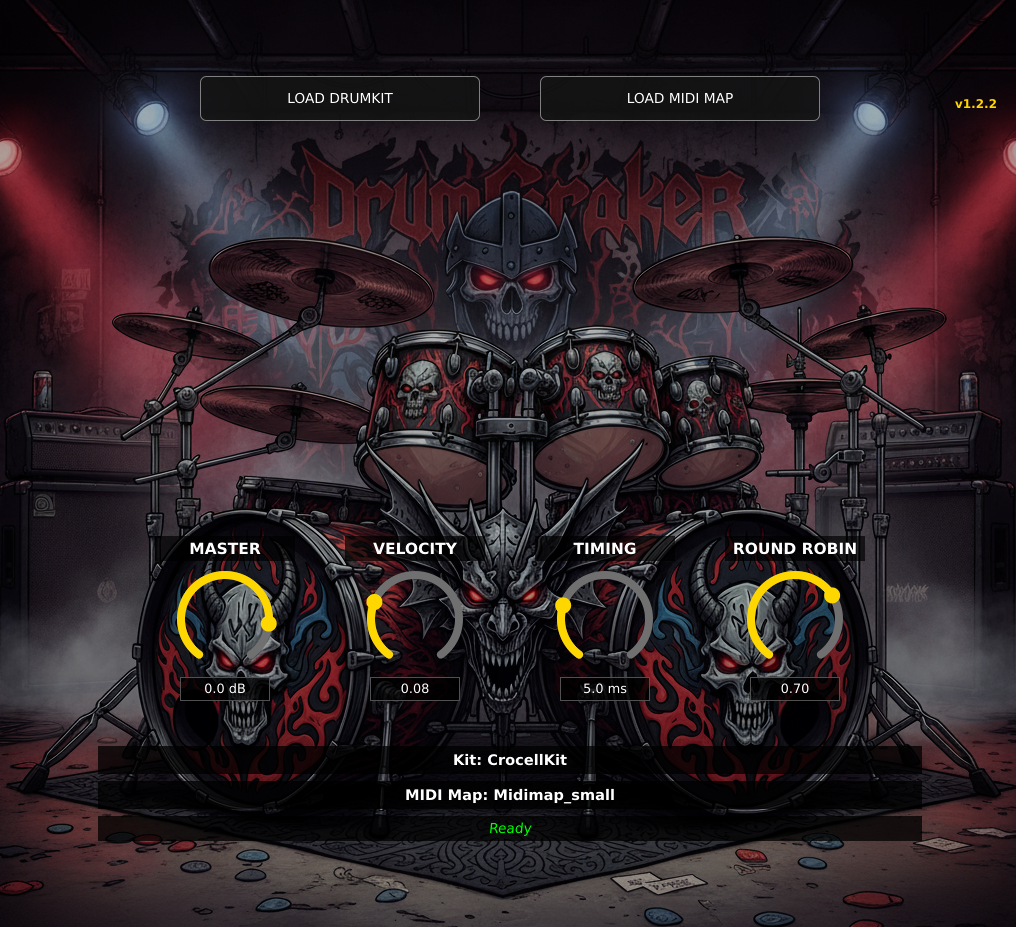
Low-latency & stable: For developers aiming at Linux (and likely broader OS support over time), DrumCraker promises better performance and stability — important when you’re triggering drum samples in real time or running heavy sessions.
Multichannel output support: As of version 1.2.0, users report DrumCraker supports multichannel routing, which is great if you want to mix close- and room-mics separately — something many drum-sampler users care deeply about.
A simpler, leaner alternative: While powerful, DrumCraker doesn’t aim to be a “kitchen-sink” drum instrument. It stays focused: load a DrumGizmo kit, play or program MIDI, get realistic, sample-based drums — without unnecessary bloat.
If you’ve been frustrated with DrumGizmo's quirks, DrumCraker might finally give you a clean, stable, free alternative.
Why people are still using DrumGizmo
To be fair: DrumGizmo remains one of the few high-quality, fully open-source drum samplers out there. As described by its developers, it offers multichannel output, multilayered samples, velocity sensitivity, and the ability to load community-created drumkits, making it somewhat comparable to mixing a real, mic-recorded drum kit.
However — the longevity of DrumGizmo doesn’t mean it’s problem-free. There are many reports, across forums and user threads, of issues, especially when used in REAPER.
Users describe crashes or “bomb-outs” when loading DrumGizmo, particularly in setups with many channels or when switching kits. Quote “Wanted to try it but it keeps on crashing Reaper as soon as I launch it.”.
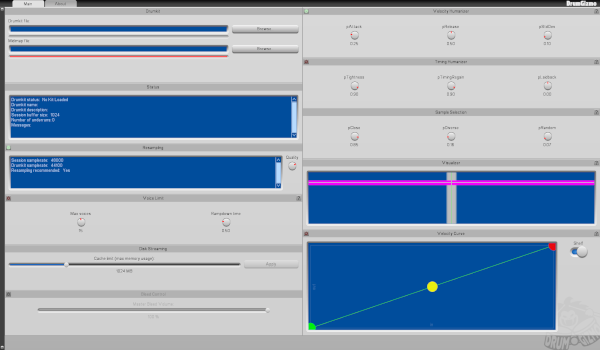
Other users report rendering problems: for example, when using all 16 outputs, the rendering process sometimes fails — leading to missing hits or incomplete drum loops.
Additionally: on Windows builds, the UI sometimes loads blank, or only after multiple attempts; some drumkits throw “error” during load due to parsing issues.
In short: while DrumGizmo remains a powerful, flexible drum sampler — its instability and occasional awkward behavior (especially in complex DAW sessions) make it less-than-ideal for consistent production work.
Why DrumCraker might be the “drum-sampler upgrade” you’ve been waiting for
I believe DrumCraker has the potential to become many producers’ go-to — especially those who care about realism but also want a stable, hassle-free workflow. Here’s how:
Same sample-kit compatibility, but better stability — By building a VST3 sampler layer specifically for DrumGizmo’s kit format, DrumCraker offers the same high-quality acoustic drum samples, but in a more stable and DAW-friendly wrapper.
Useful for serious multi-channel mixing — With multichannel support, you can route mic-channels individually, allowing for proper mixing akin to a real studio drum session.
Great for modern workflows — Whether you’re writing songs, demoing tracks quickly, or triggering MIDI from an e-kit, DrumCraker gives you flexibility, speed, and reliability — key if you want to stay creative without fighting technical issues.
Free + open source = no barrier to entry — As with DrumGizmo itself, DrumCraker doesn’t lock you behind a paywall. That makes it ideal for home studios, indie producers, or anyone experimenting without a big budget.
Final thoughts
If you’ve ever loved DrumGizmo — but felt burned by crashes, blank GUIs, or inconsistent rendering — I think it’s worth giving DrumCraker a serious try. It promises the benefit of DrumGizmo’s sample-based realism, wrapped in a more robust, user-friendly package. In today’s world of ever-increasing plugin complexity, sometimes “lean and stable” wins — and DrumCraker might just be that win.
Check it out https://github.com/Wamphyre/DrumCraker/releases/
Download DrumGizmo kits here: https://drumgizmo.org/wiki/doku.php?id=kits